Using data attributes
To enable events, simply add a special data property to the element you want to track. For example, you might have a button with the following code:{ email: 'bob@aol.com', id: '123' }being recorded with the Signup button name.
Event data cannot be sent without an event name.
Notes
- All event data will be saved as a string using this method. If you want to save event data as numeric, dates, booleans, etc. use the JavaScript method below.
- Other event listeners inside the element will not be triggered.
Using JavaScript
You can also record events manually using the window.boost object. To accomplish the same thing as the above data- method, you can do:View events
Once your events are recorded, they will be available on your website or programs Events page.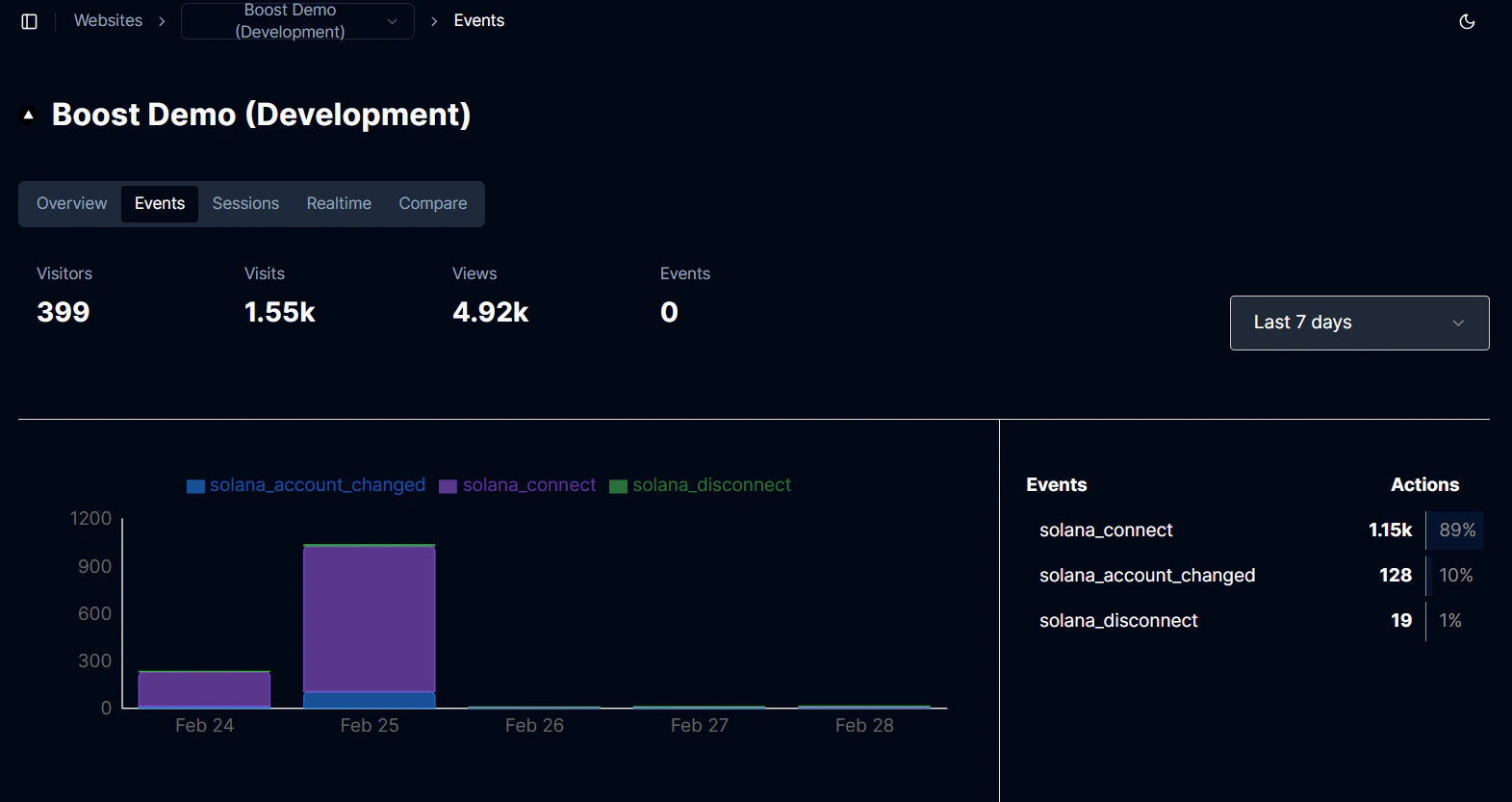
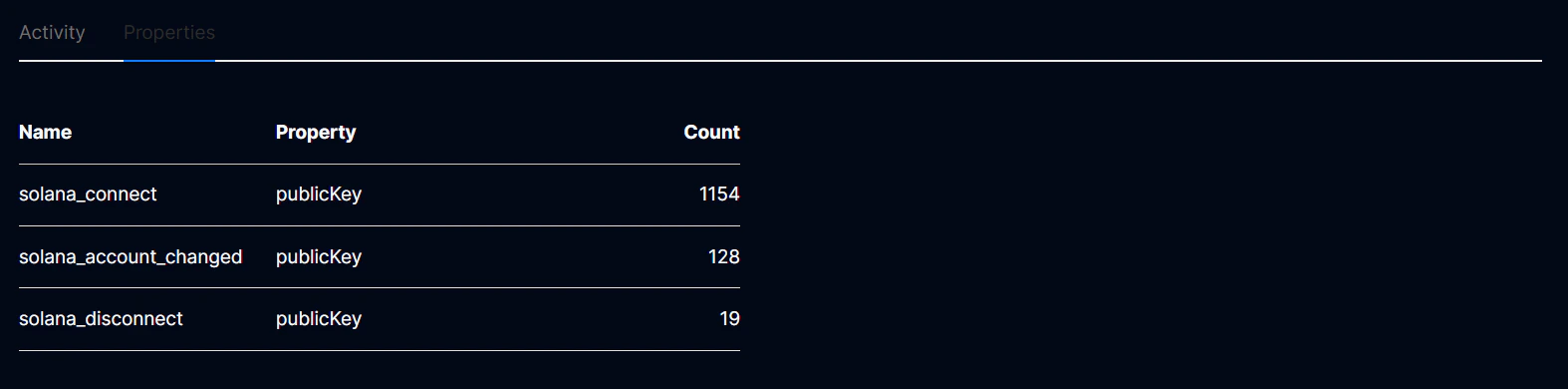
View event properties
Your custom data can be accessed under the Properties tab on the Events page. This section will show you all the custom data properties you saved as well as a breakdown of all the values.