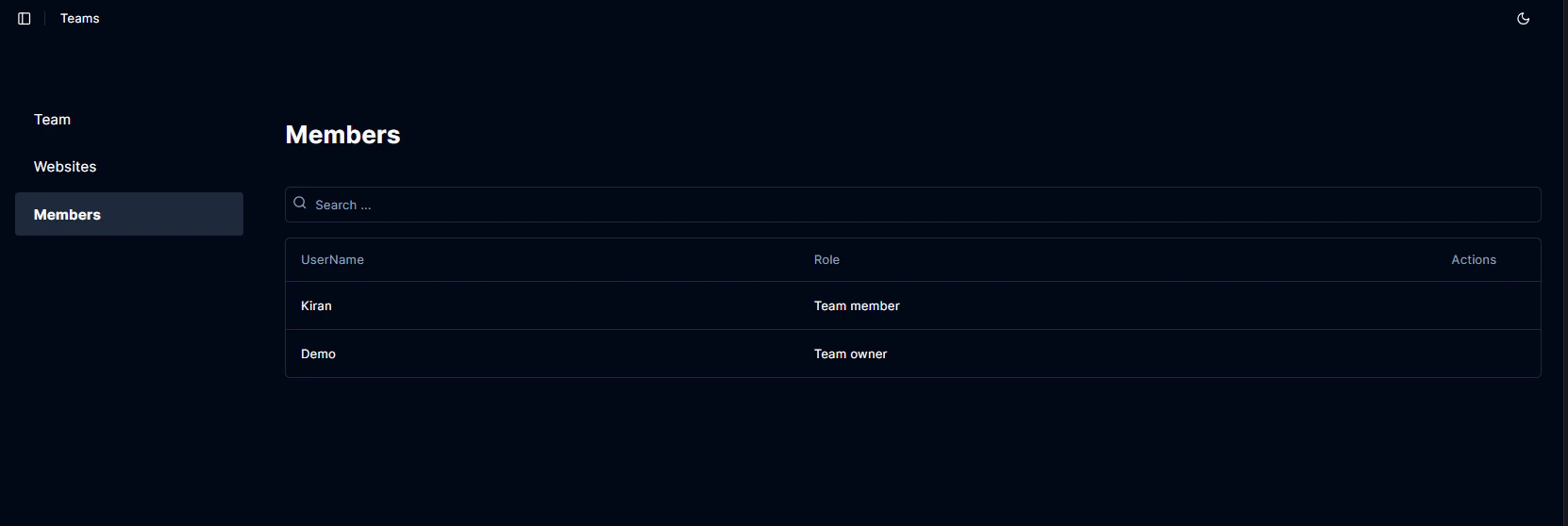
Roles
Team roles and related permissions.- Team Owner: All permissions.
- Team Manager: All permissions except deleting the team.
- Team Member: All permissions except deleting or updating the team.
- View Only: View only.
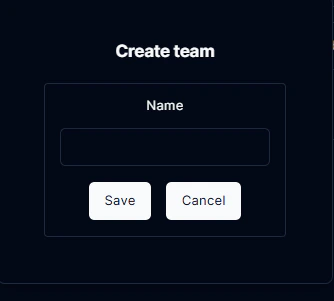
Add a team
Log into Boost and click on Account Settings in the sidebar.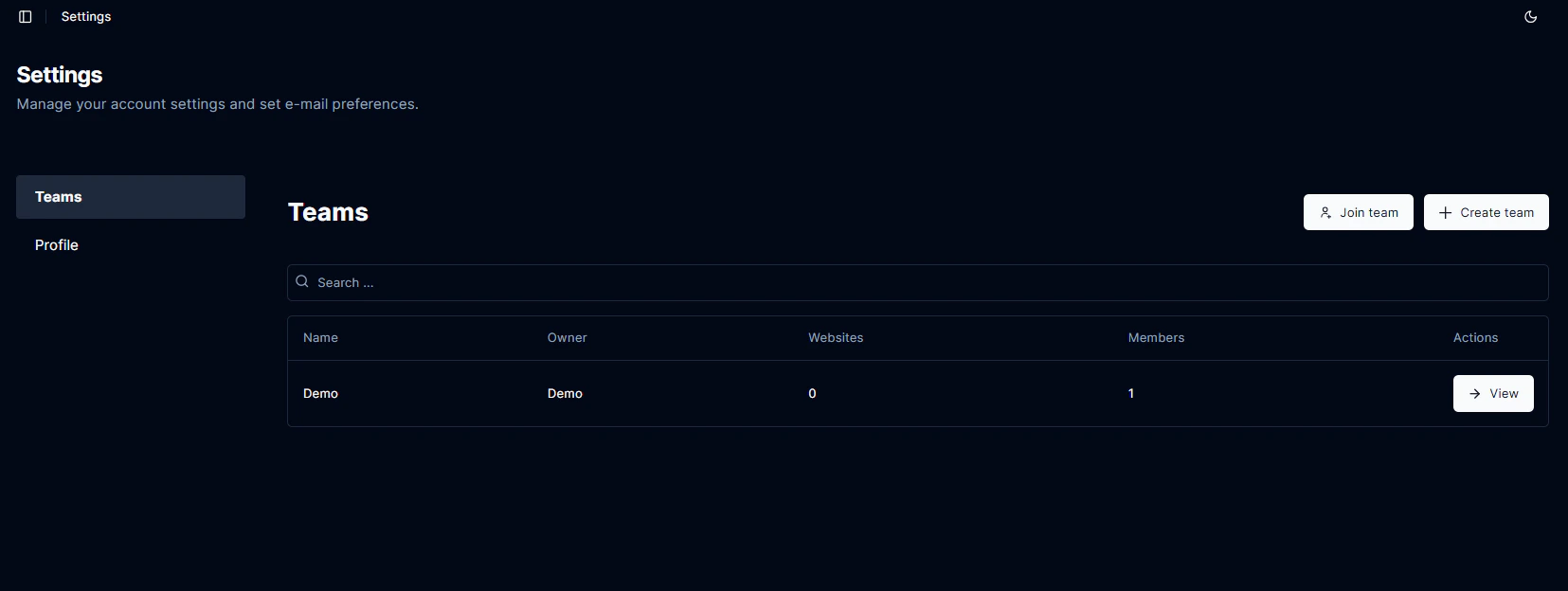
Team access
Navigate to Teams and click on the View button.Share team access code
Navigate to Teams and click on the View button.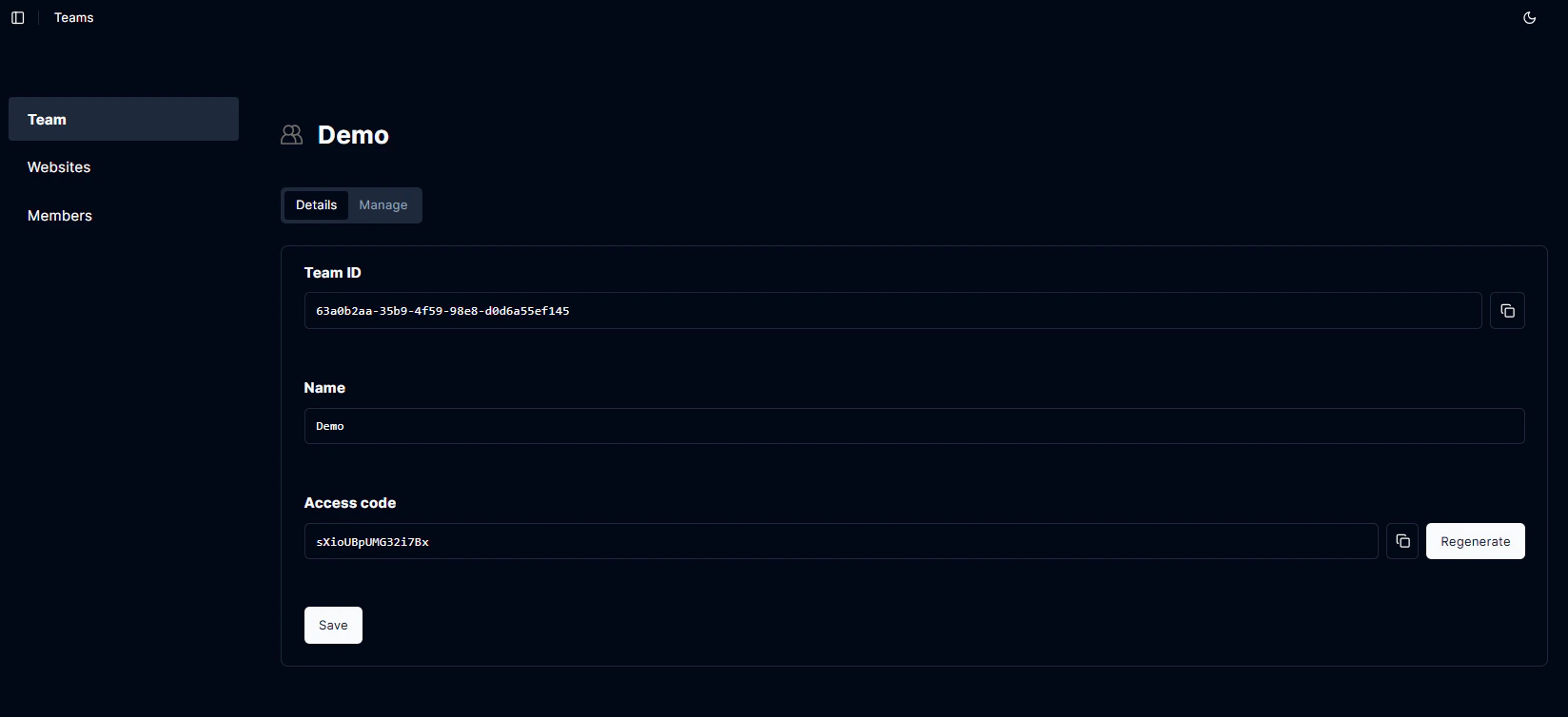
Join a team
Navigate to Teams and click on the Join team button.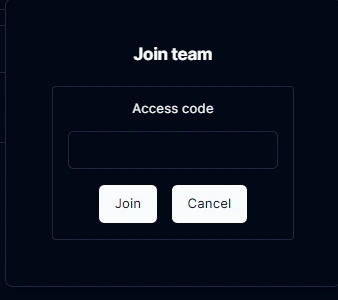
Add a website
From the team, navigate to Websites and click on the Add Website button.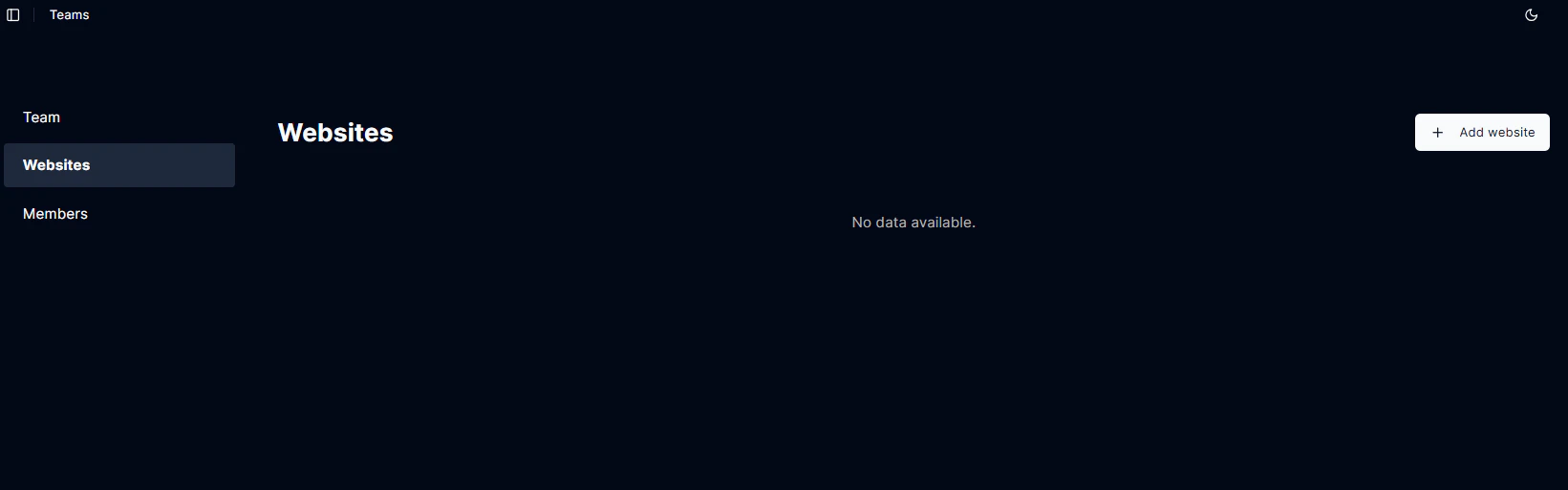
Edit/remove team member (Team owner only)
From the team, navigate to Members and click on the Edit button to update the member role or click on the Remove button to remove the member from the team.