Parameters
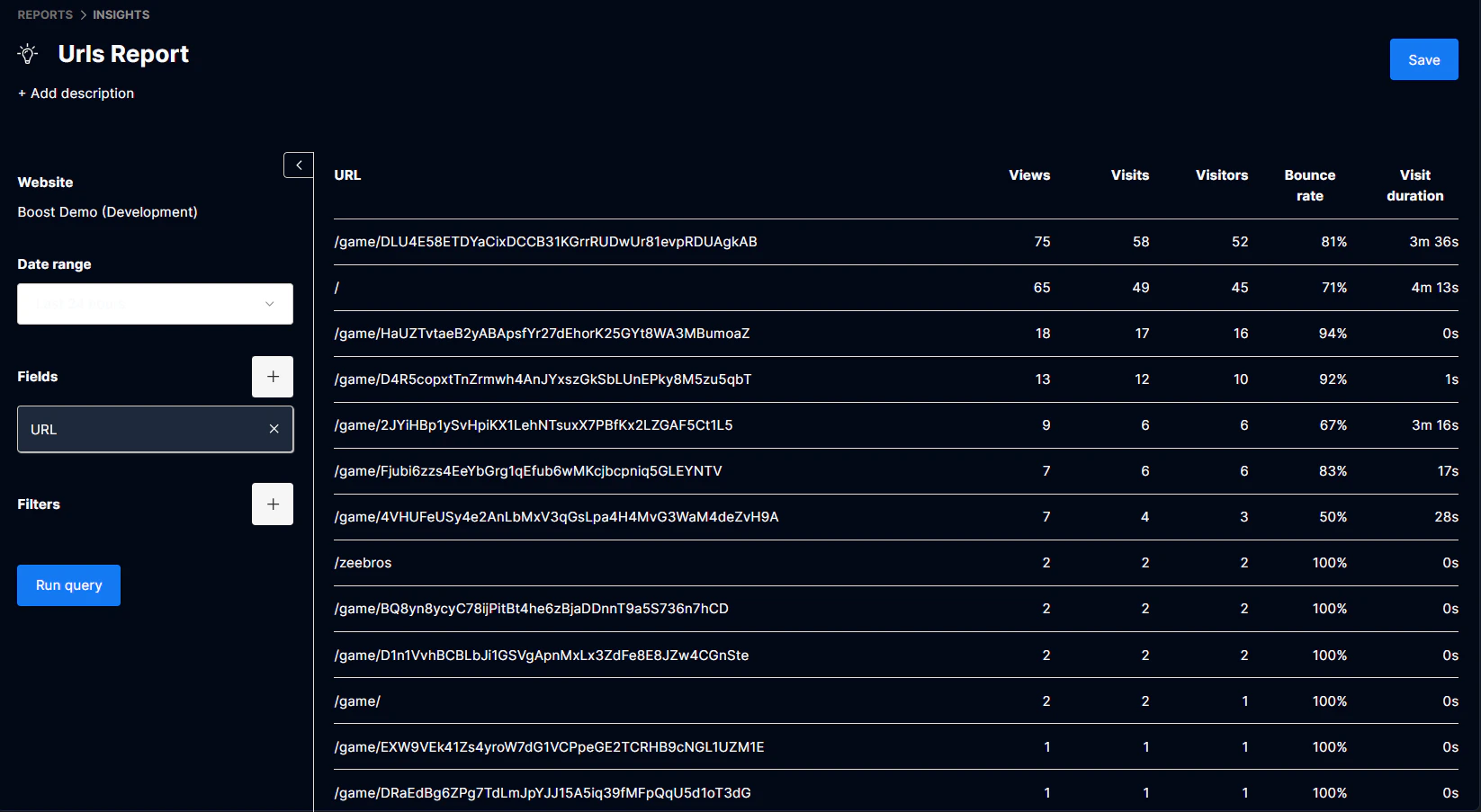
Website: (required) The website you want to run the report on.Date range: (required) The date range of the report.Fields: (required) Metric data you want to segment. This includes all data collected via the tracker script.Filters: Filters you want to apply to your report.
Create a report
Step 1: Choose a website Step 2: Choose a date range Step 3: Choose your fields The fields include both pageview and session metrics collected via the tracker script. Step 4: Choose your Filters Step 5: Run query and save Click Run Query to see your results. In order to save your report, add a title and description and click Save. The report along with its parameters will be saved for future use.